

From request to return shipment
How service works
Follow the request through eight clear steps. You can send your instrument after submitting the form.
 01 · Complete the formEnter company, contact and device details.
 02 · Add each deviceList every instrument and its requested work.
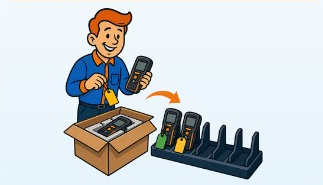 03 · Send it to QRMShip after submitting, with your request reference.
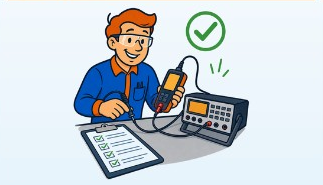 04 · EvaluationQRM checks the device and confirms the service path.
 05 · Quote approvalReview any quote that requires your approval.
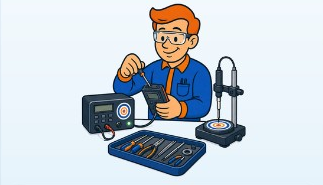 06 · Service and calibrationApproved work is completed.
 07 · Final checkThe instrument is checked and protected.
 08 · Return shipmentQRM arranges payment and return shipping.
Service · Repair · Calibration
Let’s get your equipment sorted.
Tell us what you’re sending and where it should be returned. After submitting, send the device to QRM using the receiving address below.
- 1. Customer
- 2. Location & Contact
- 3. Devices
- 4. Review