Next-Gen testo 300
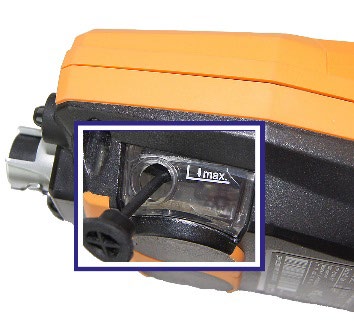
Empty the condensate trap
Water visible in the trap? Check the outlet and seal.
View 3-step guide

Illustrated checks for common Testo device symptoms, with a clear next step if the issue continues.
Start with the instrument safely out of service. Let hot probes cool. Refrigeration connections must be safely isolated and depressurized by a qualified technician before handling. Stop if there is damage, liquid inside the housing, a persistent fault, or a safety concern. These guides cover the instrument; they do not direct burner adjustment or refrigerant charging.
8 illustrated guides
Try a shorter model number or choose All topics. You can also browse the manuals or ask QRM to assess the device.
Water visible in the trap? Check the outlet and seal.
View 3-step guide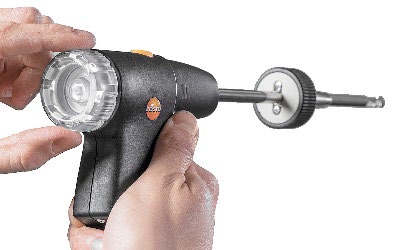
Check the external probe filter when flow is weak.
View 3-step guide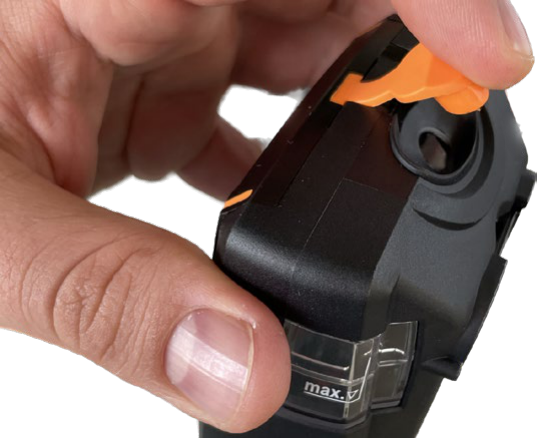
Empty collected water and reseal the outlet.
View 3-step guide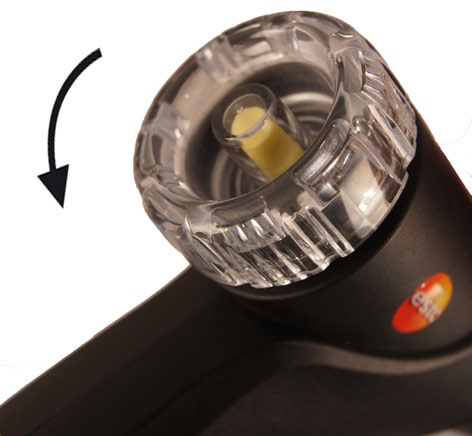
Inspect and replace the specified particle filter.
View 3-step guide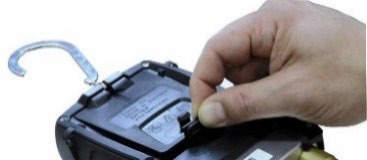
Start here for a blank display or low battery.
View 3-step guide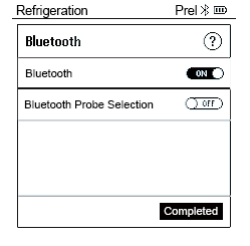
Check the manifold’s Bluetooth setting.
View 3-step guide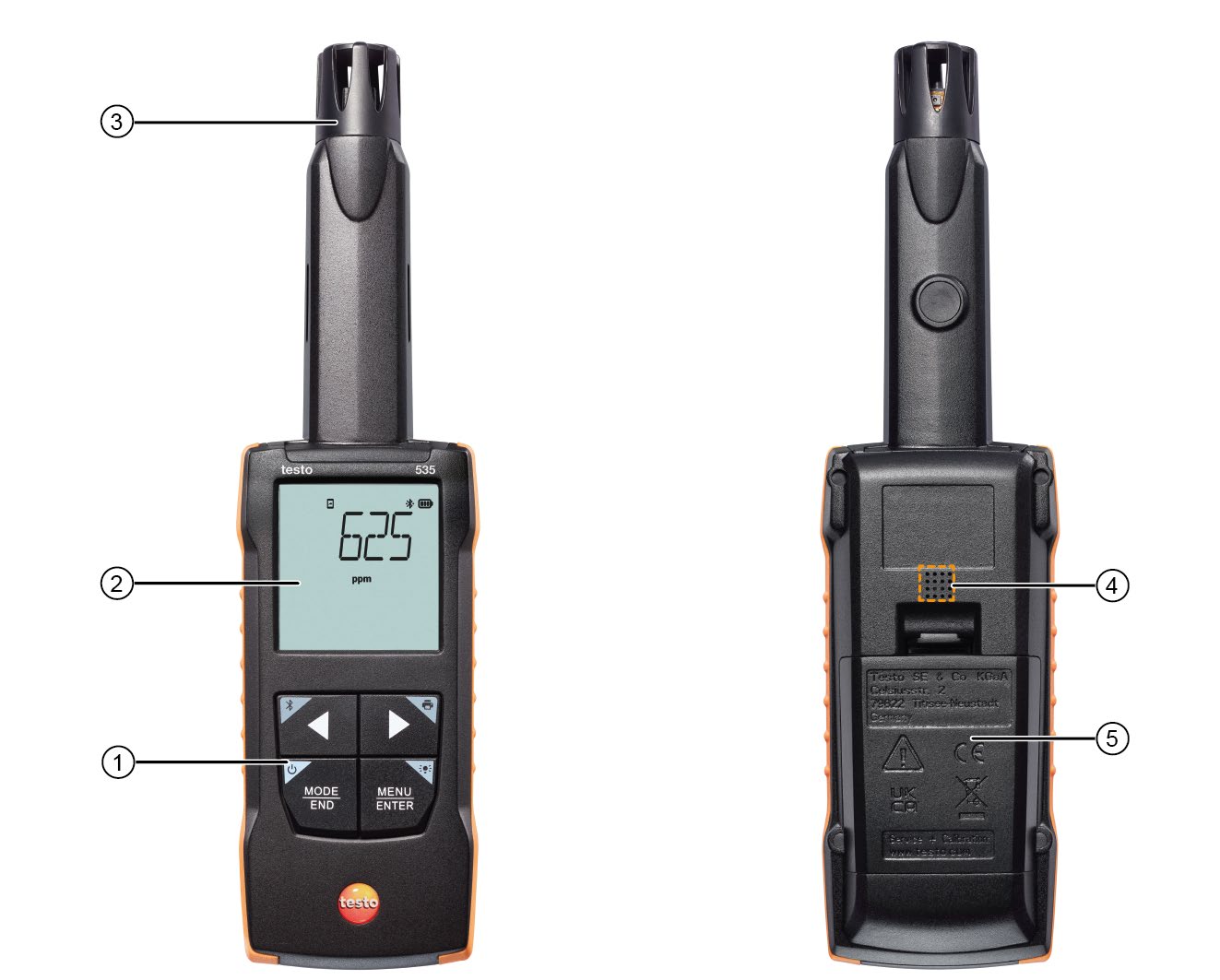
Let the sensor settle and avoid breath affecting the sample.
View 3-step guide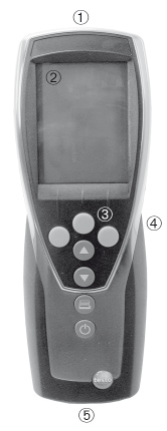
Connect the correct probe before switching on.
View 3-step guideReview model, sensor configuration, zeroing, filters and condensate before relying on a combustion reading.
Open the sensor-care guideConfirm whether your 330 uses O₂/CO, CO/H₂ or NO channels before applying limits or procedures.
Open the testo 330 service guideInclude the model, serial number, exact error and checks already completed.